Corona Render Course Bundles
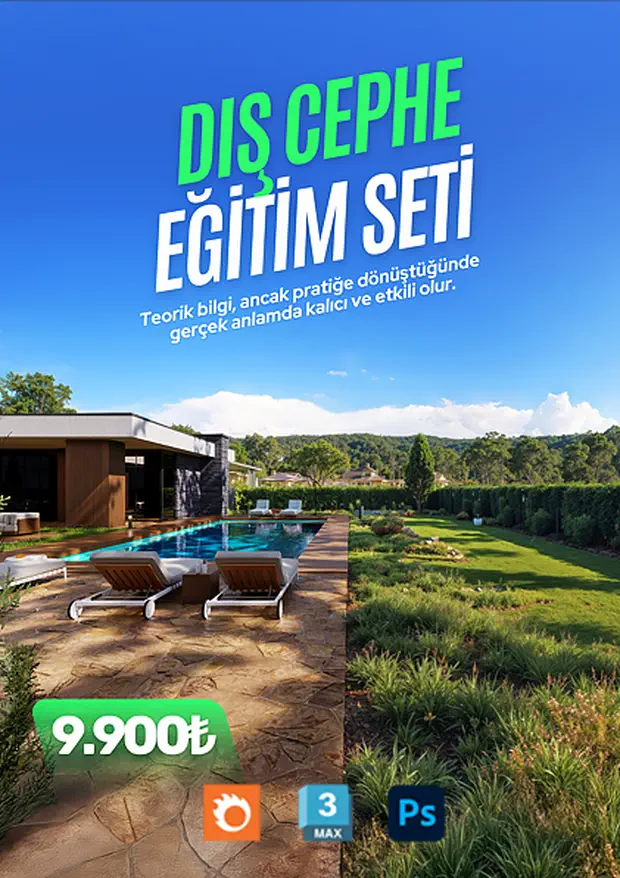
Corona Render Exterior Course
Create photorealistic visuals for exterior and architectural designs with 3ds Max and Corona Render, incorporating daylight, textures, and landscaping.
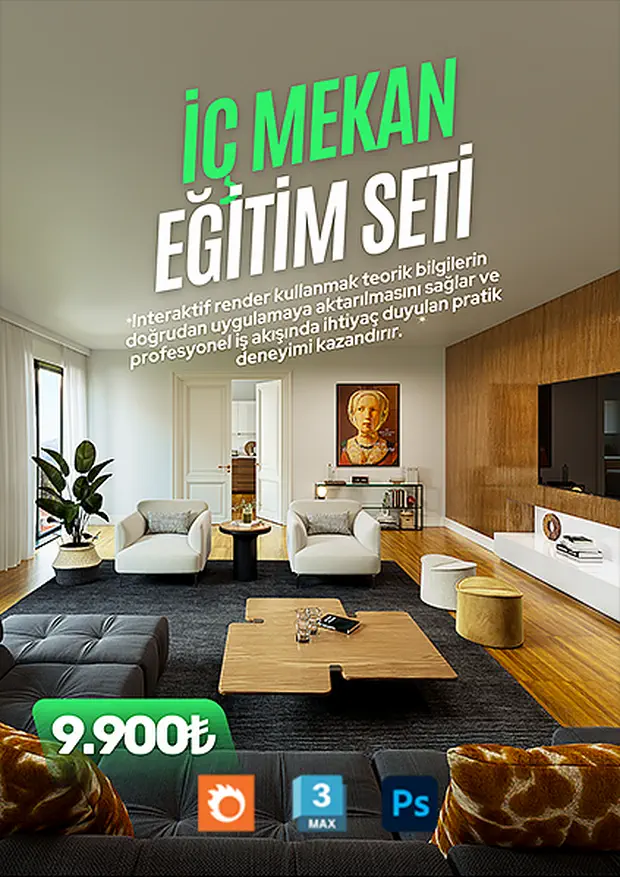
Corona Render Interior Course
Learn interior lighting, materials, and composition end to end with 3ds Max and Corona Render.
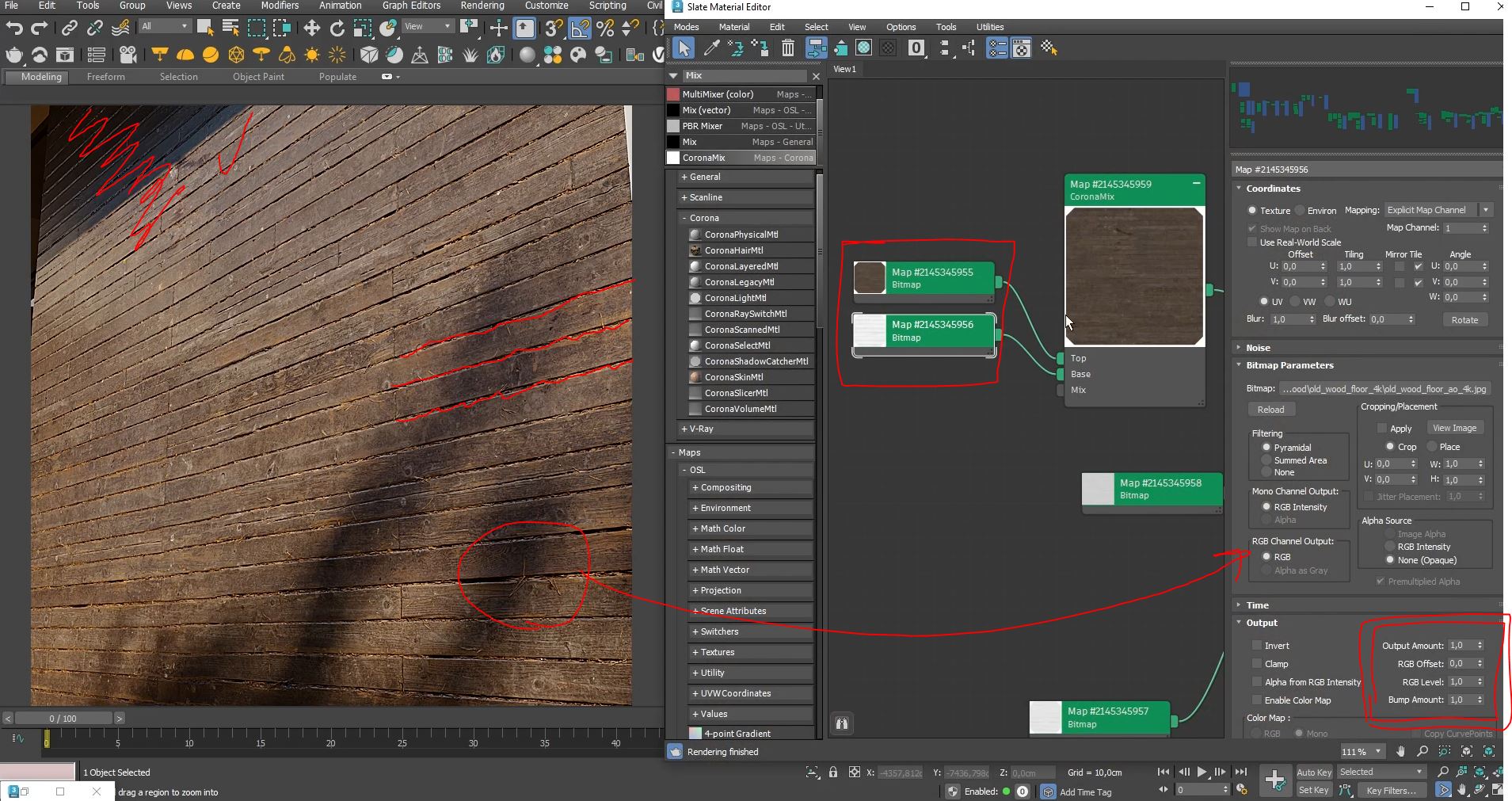
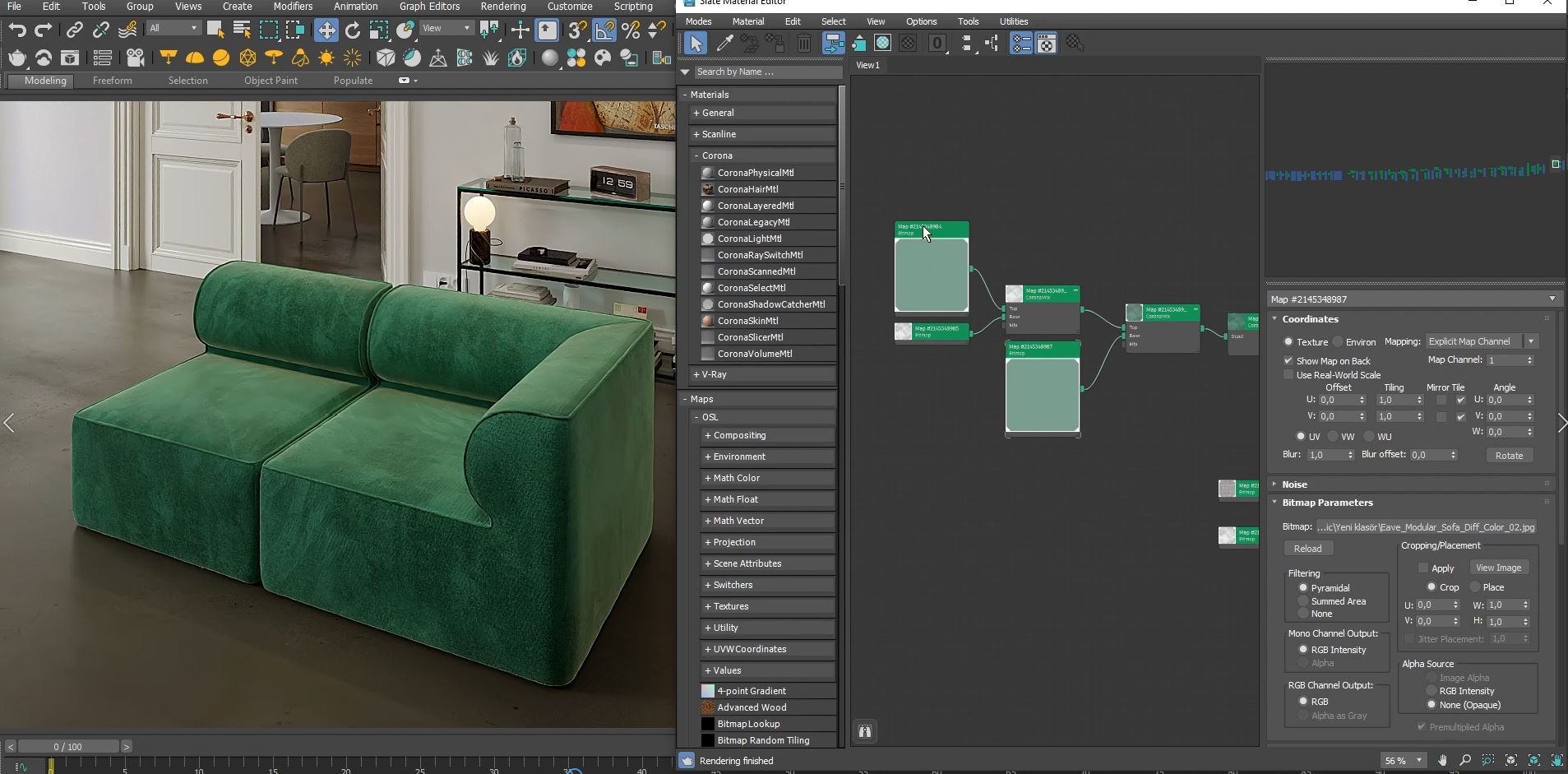
Material Creation
CoronaPhysicalMtl is the cornerstone of creating realistic surfaces. Through parameters such as color, reflection, roughness, metallic properties, and refraction, you can simulate every material physically accurately, from wood to glass and from metals to fabrics. With the right roughness and IOR values, you control how light interacts with the surface, and you add depth and detail using bump and displacement techniques. In our training, you will learn to produce photorealistic material sets from start to finish using PBR principles.
Lighting Control
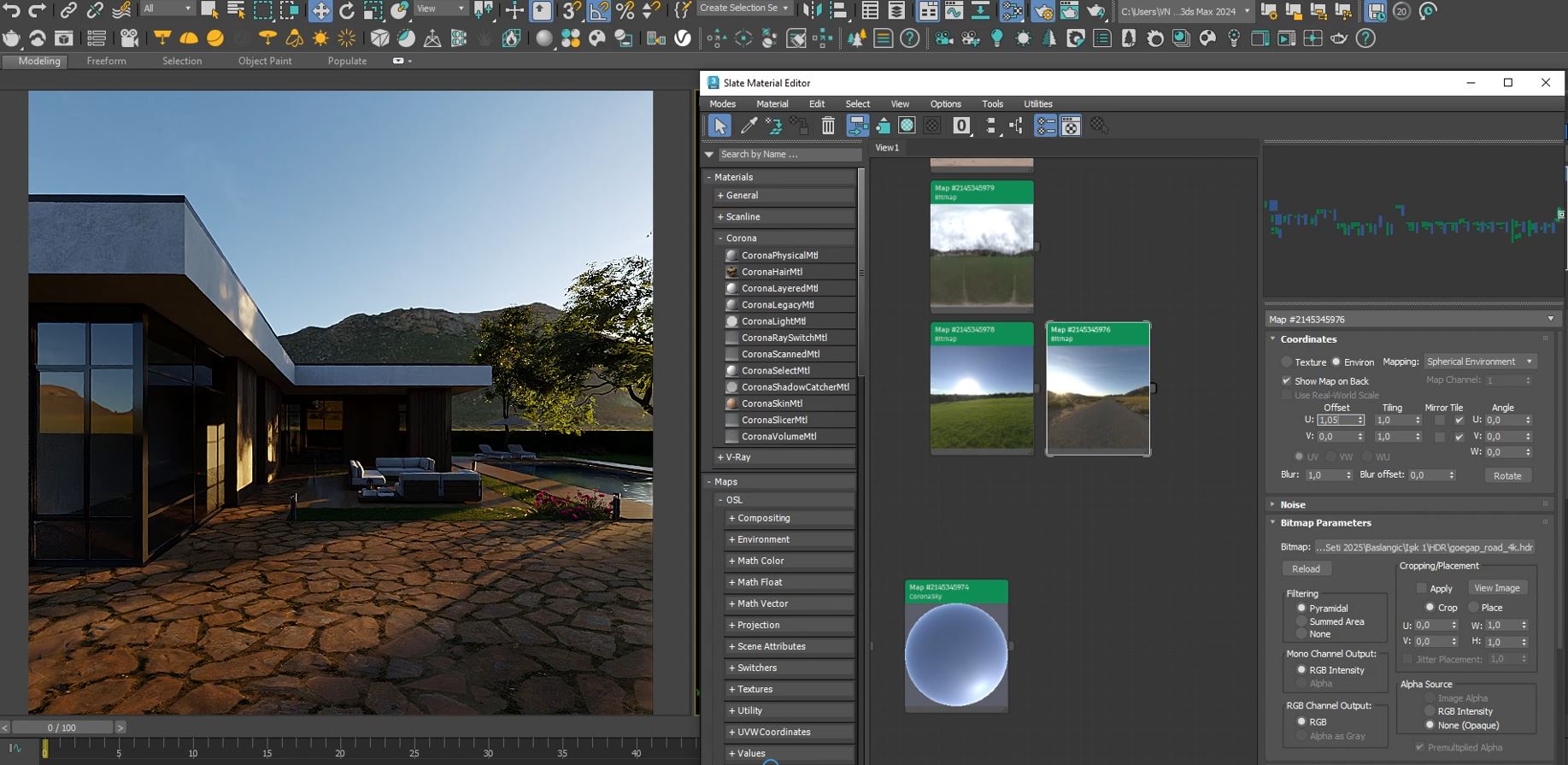
Light defines the soul of a scene. With HDRI, CoronaSun, CoronaSky, and area light sources, you will learn to create different atmospheres and to adjust shadow softness, light color, and direction to suit the scene. Throughout the training, you will apply different lighting conditions step by step, from realistic daylight scenarios in outdoor scenes to dramatic and controlled lighting setups. In this process, you will learn to analyze the effect of light on the scene, position different light types correctly, and create the desired visual impact through technical controls.
Camera & Framing
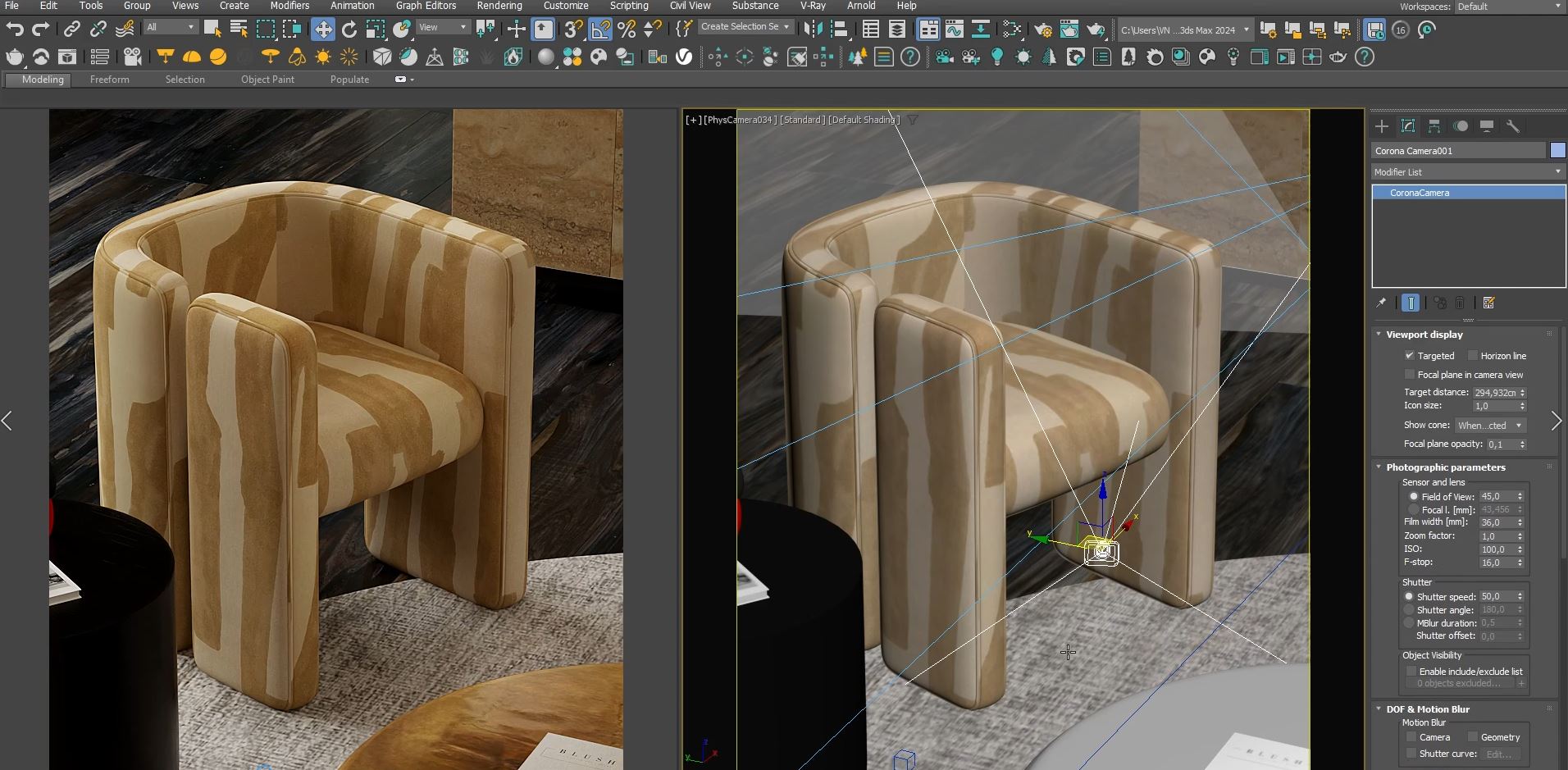
The camera is the most critical element shaping the visual storytelling in a scene. With the right FOV selection, lens shift techniques, and tilt correction, you achieve perspective control. Through depth of field, compositional balance, and framing optimization, you can convey the scene's story in the most effective way. Throughout the training, we focus not only on technical settings but also on cinematic storytelling and methods for enhancing visual impact.
Render Settings
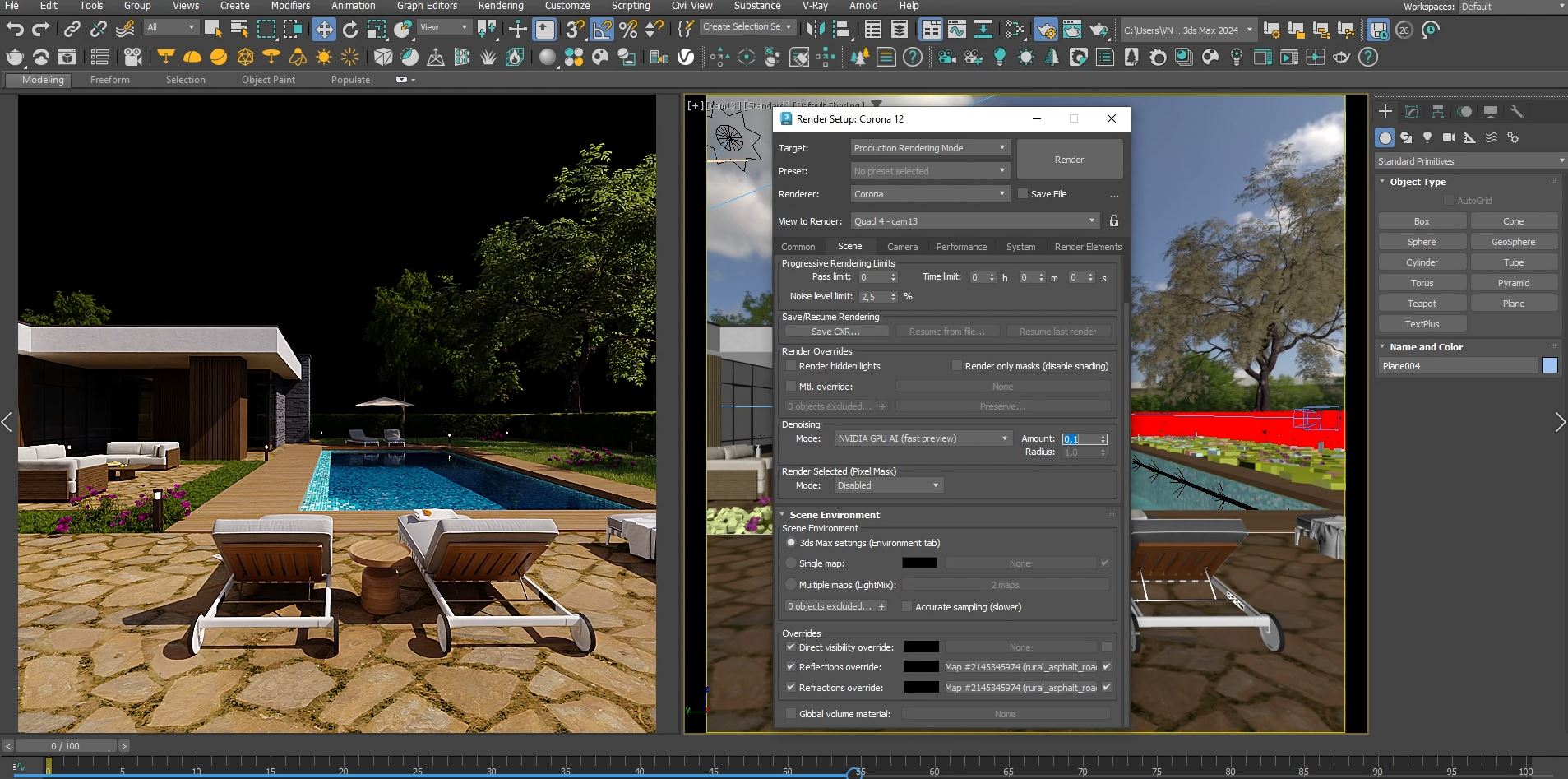
Using the render engine's power as efficiently as possible is critical to balancing quality and time. With pass limit, noise threshold, and denoising settings, you will learn to achieve an optimally clean image; and with environment and override usage, you will learn to manage reflection and lighting independently. We will apply, step by step, the techniques needed to turn the render directly into a final image using post-processing tools (exposure, white balance, lift, gamma & gain, LUT, bloom & glare).
Post Processing
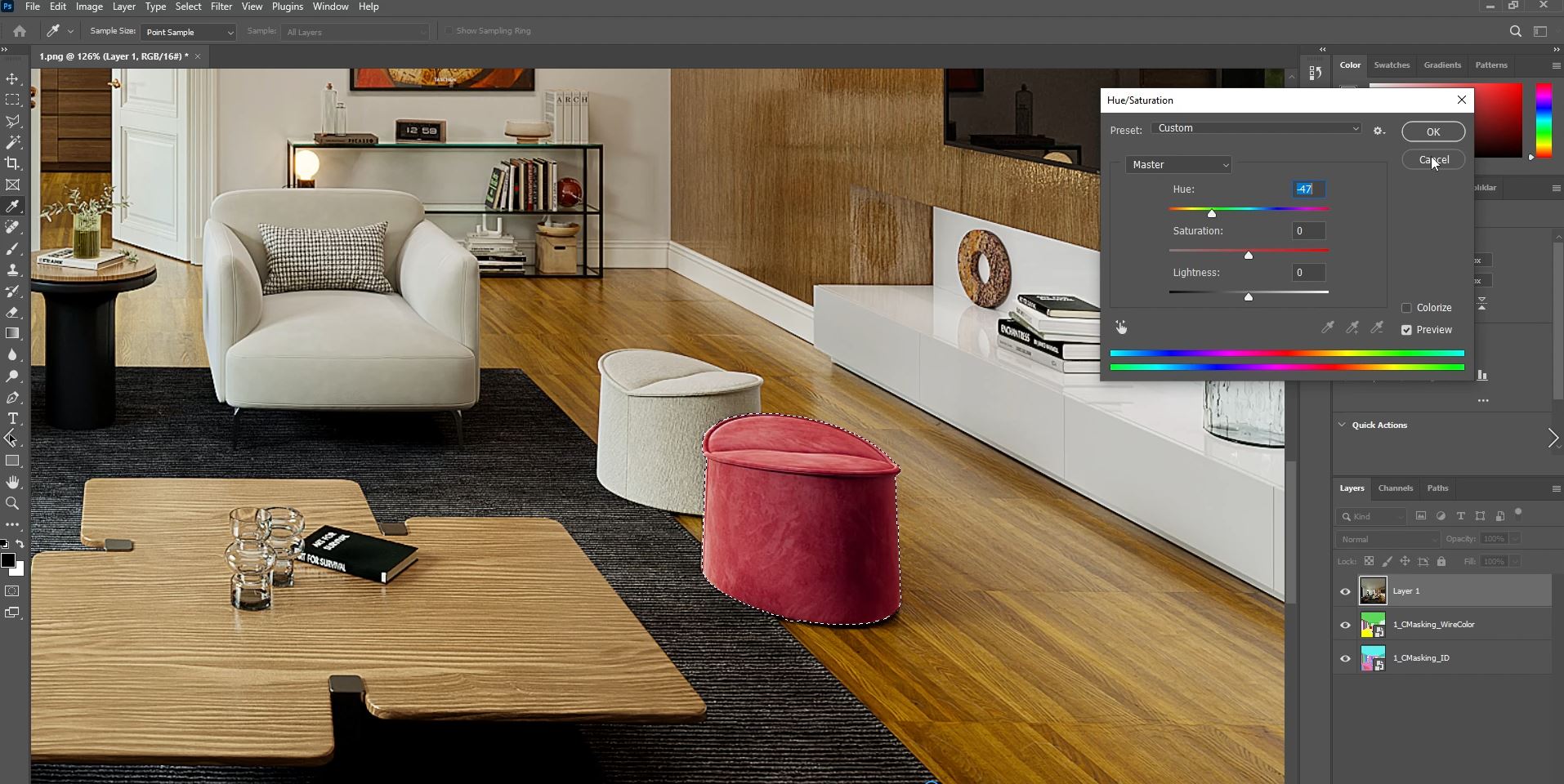
Post-render operations shape the final state of your scene and maximize its visual impact. In our training, you will learn in detail the fundamental post-processing techniques such as color correction, contrast adjustments, tone mapping, and effect applications. In addition, by gaining the skill of layer-based editing and targeting specific areas with masks, you will take control of your scene's atmosphere and details. This process will develop not only your technical skills but also your ability to make artistic decisions, thereby elevating your render results to professional standards.
AI
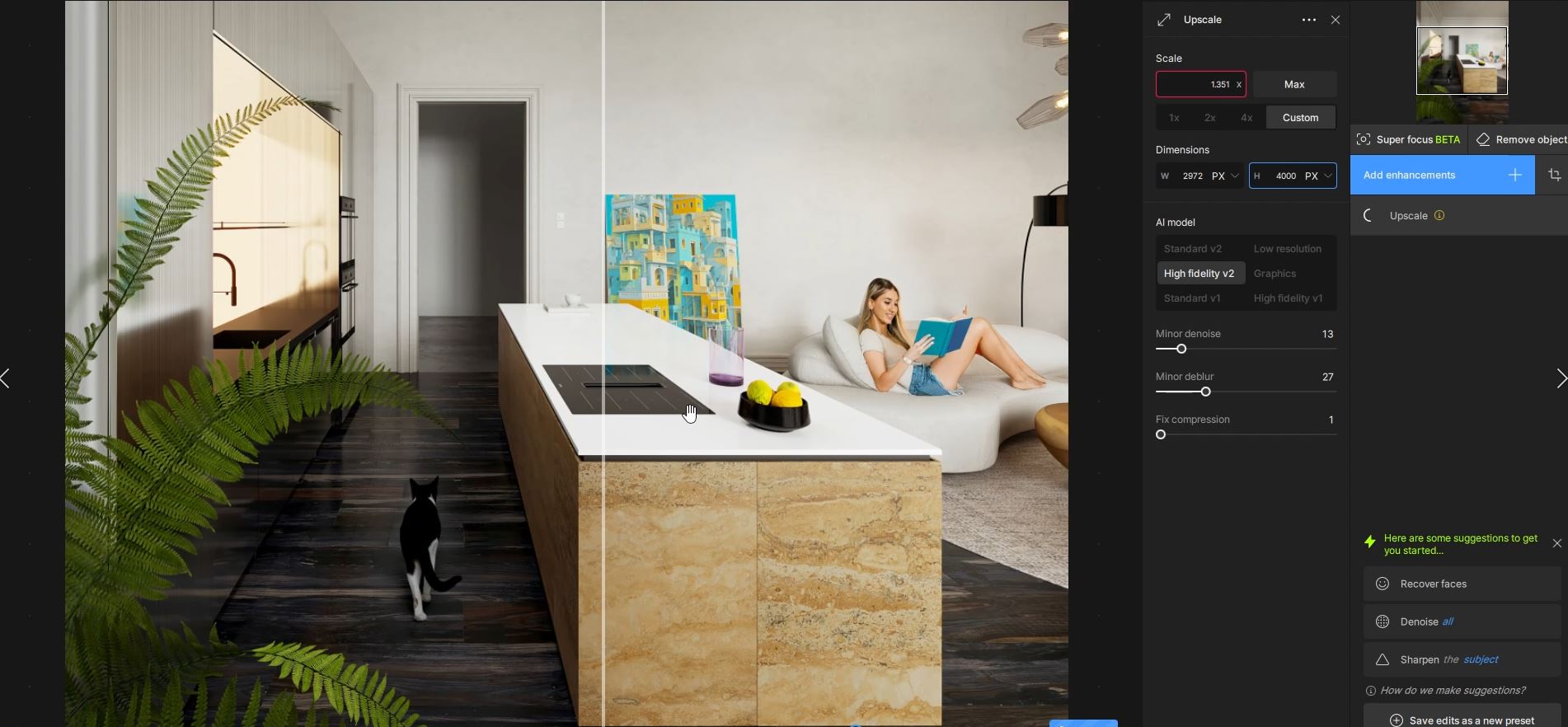
Artificial intelligence technologies have become powerful tools that boost productivity and quality in 3D visualization and rendering processes. In addition to taking your render quality to a professional level with AI-powered upscaling and image sharpening techniques, you will be able to perform post-render additions and removals quickly and precisely. Moreover, with the innovative solutions that AI offers in the material creation and post-processing stages, you will seize the opportunity to accelerate your workflow and significantly increase your efficiency. At the same time, thanks to AI-powered animation and motion techniques, you will also learn to add dynamic and striking visual motion to your renders.
Practice & Workflow
Theoretical knowledge becomes truly lasting and effective only when it is put into practice. In our training set, every process from start to finish is covered across multiple different scenes, together with the potential problems you may encounter and their solutions. Throughout the training, interactive renders are used to instantly evaluate and optimize visual results at every stage. This method ensures that theoretical knowledge is directly translated into practice and provides the practical experience needed in a professional workflow.