
 ViewportAI Photo
Turn Your Viewport Into Photorealistic Images in Seconds with AI
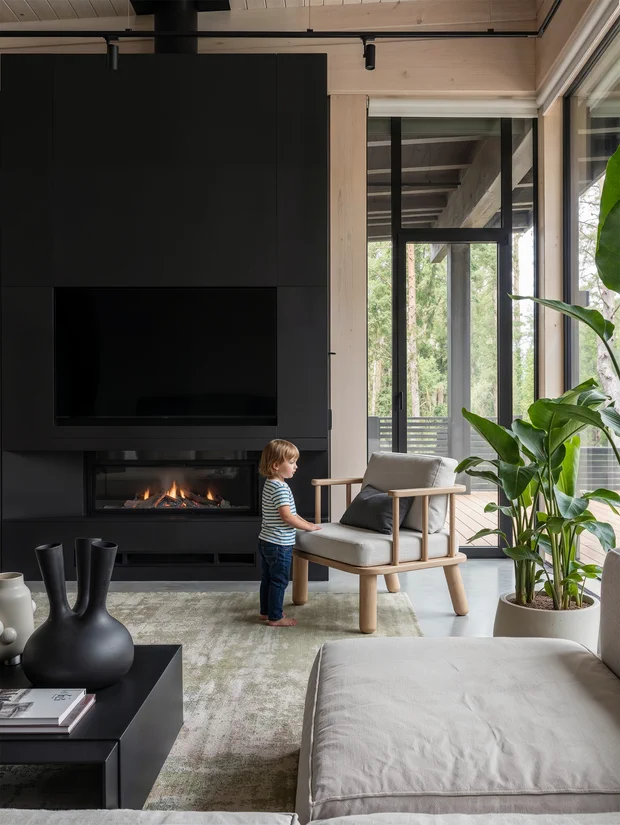
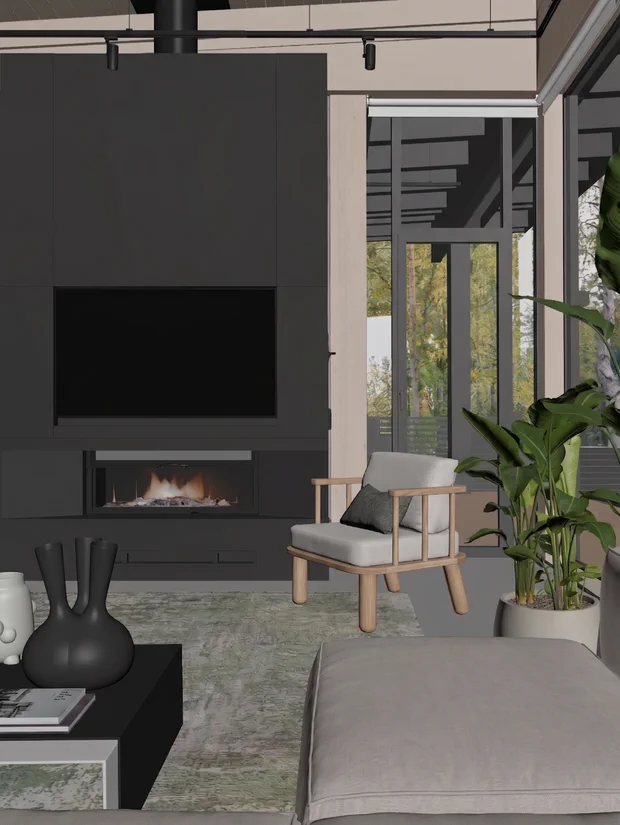
Turn the images you create in 3ds Max, SketchUp, and similar architectural programs into photorealistic visuals using both paid and free AI models. Without spending hours on render settings, prepare faster and more professional presentations.
What You'll Learn
The entire viewport-to-photo workflow — both the free and paid paths.
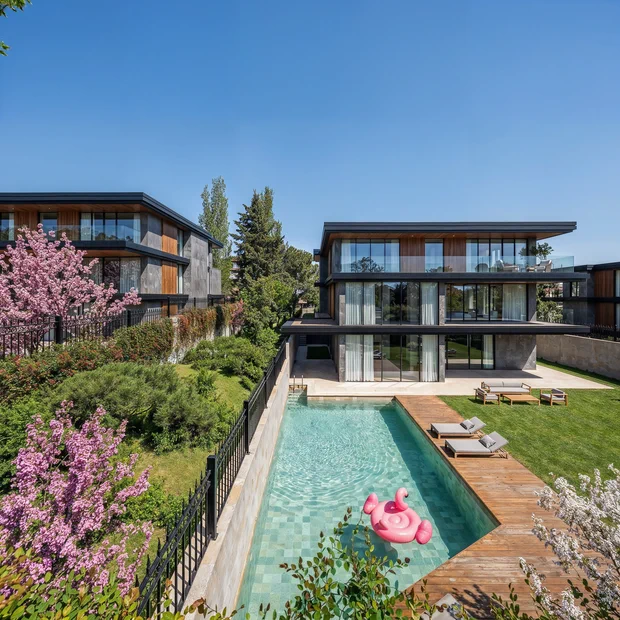
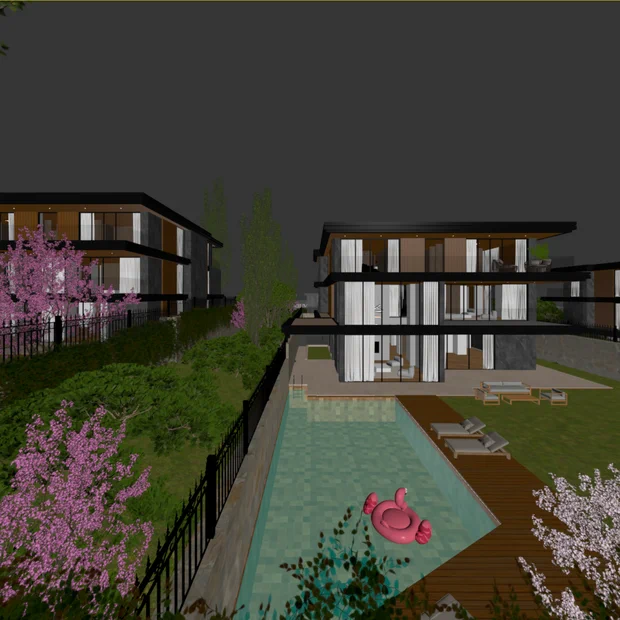
Multi-Angle Consistency & Scene Control
No matter how many camera angles you generate from a single scene, you'll learn to keep the lighting and atmosphere identical across all of them. Texture and material drift disappears, the project holds together from the first image to the last, and your presentation looks like a professional photo series — the same space, the same light, the same atmosphere in every angle.
 ViewportAI Photo
Targeted Edits and Additions with Inpainting
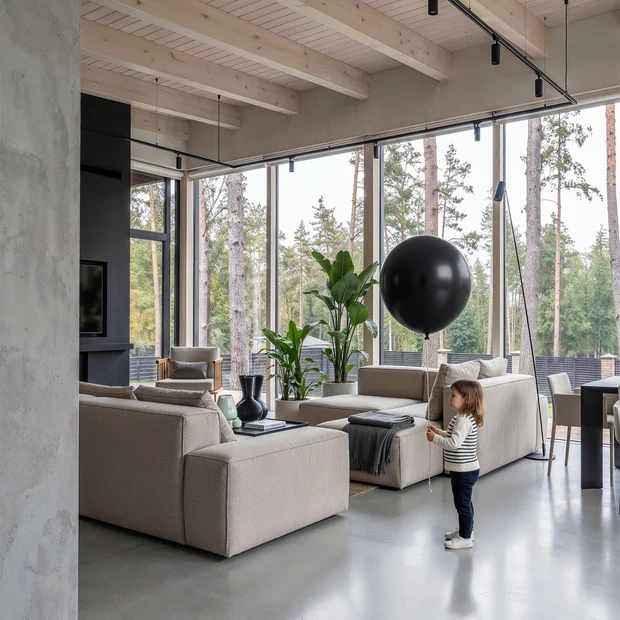
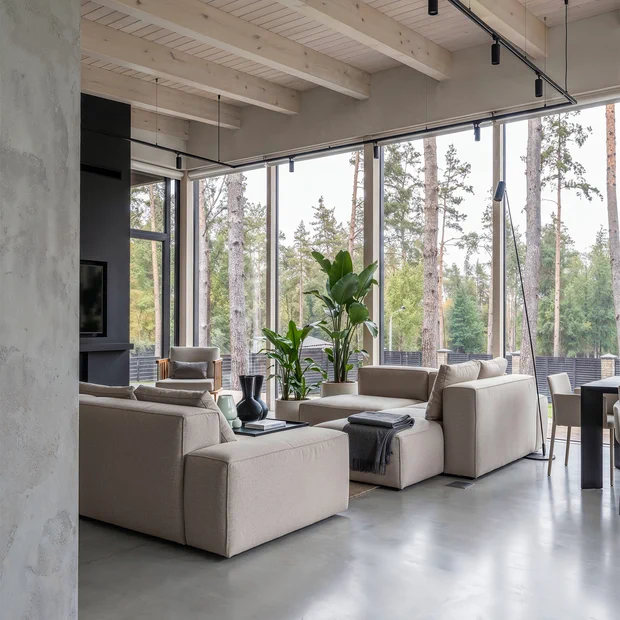
To change something in your final image, you don't need to generate it again or run a new render. Inside the area you mark (mask), you add people, vehicles or plants, remove objects you don't want, and change materials and colors — the rest of the image and its resolution stay exactly as they were. Completely free, entirely on your own computer.
 ViewportAI Photo
Camera, Framing & Resolution Settings
You'll learn not to leave the scene at the mercy of the AI. You set the camera angle and framing according to the result you want, feed the model input at the right resolution, and tune the upscale settings to what the image actually needs — because you know what each setting changes, nothing is left to chance.
 ViewportAI Photo
Results in Seconds
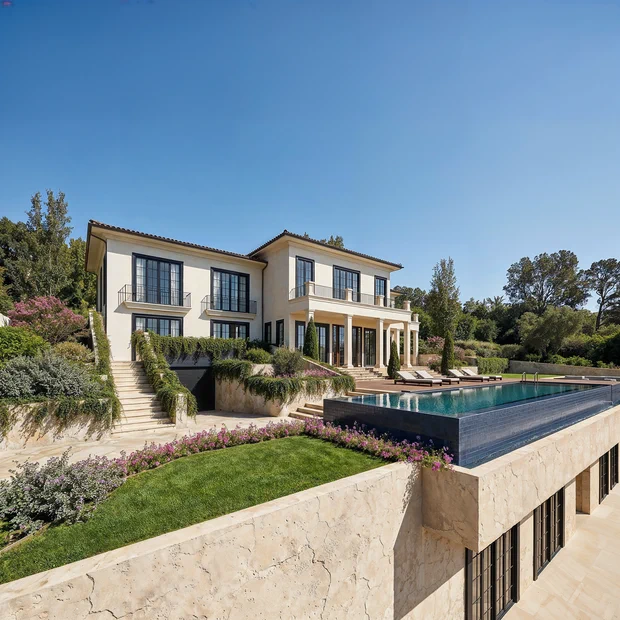
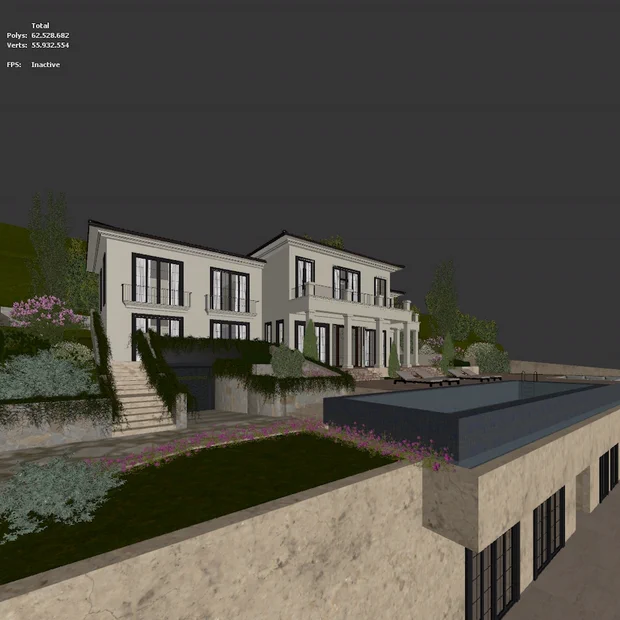
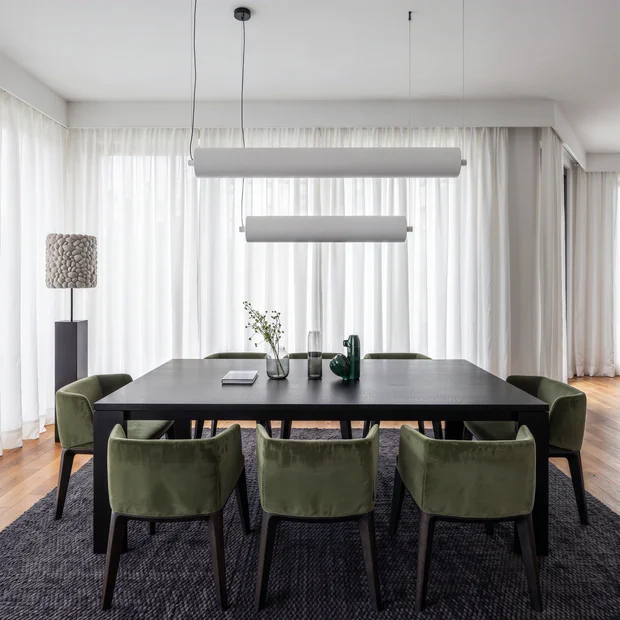
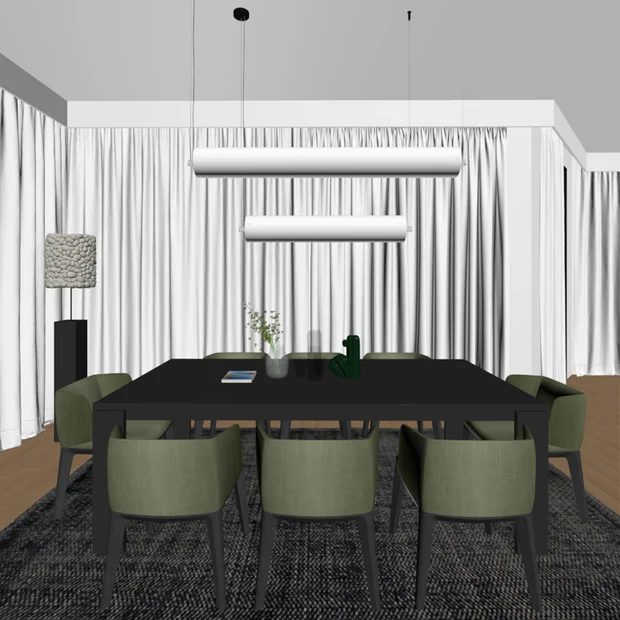
You'll learn to turn a task that takes hours in classic rendering into a photorealistic image in seconds, starting from your viewport view. Without wrestling with Vray or Corona settings, you focus straight on the result and dramatically speed up your workflow.
 ViewportAI Photo
Free & Open-Source Models
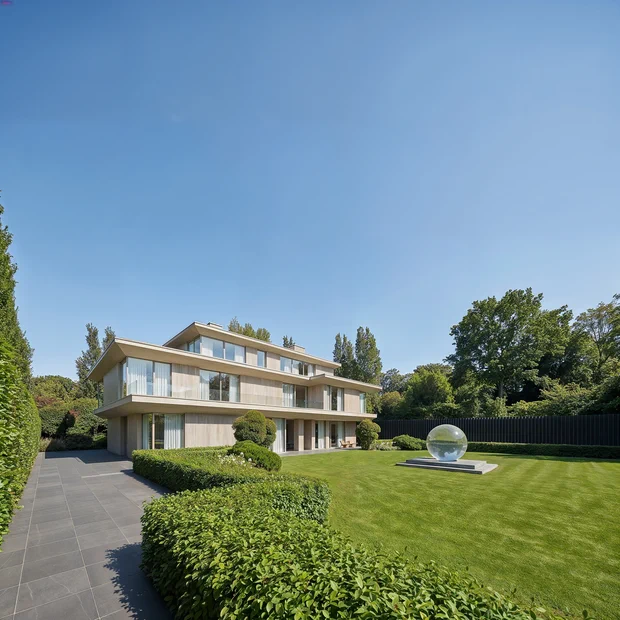
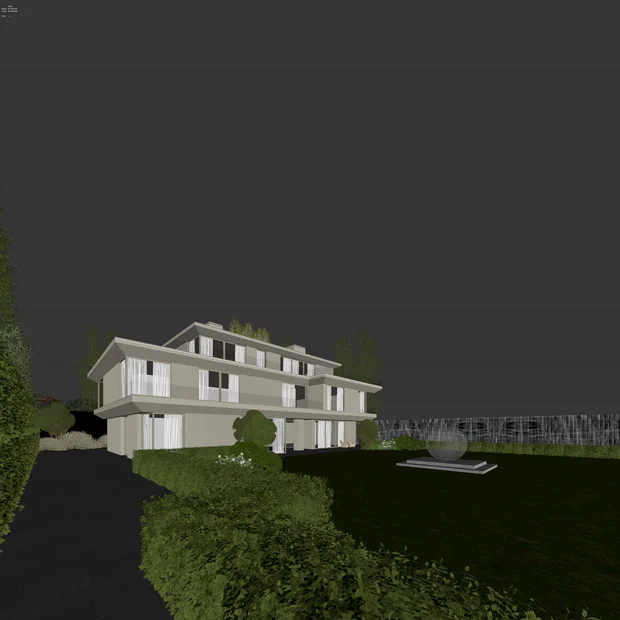
You'll learn to run open-source AI models on your own graphics card without paying a cent. You'll get especially strong results on exterior visuals and set up the entire workflow on your own computer — we provide all the nodes you need to run it.
 ViewportAI Photo
From Viewport to Photorealistic Image
You'll learn to transform the raw viewport (interface) view you create in 3ds Max and SketchUp into a real photo in seconds with AI. You don't need to know a render engine, Vray, or Corona — open your project, capture the view, and get the photorealistic result.
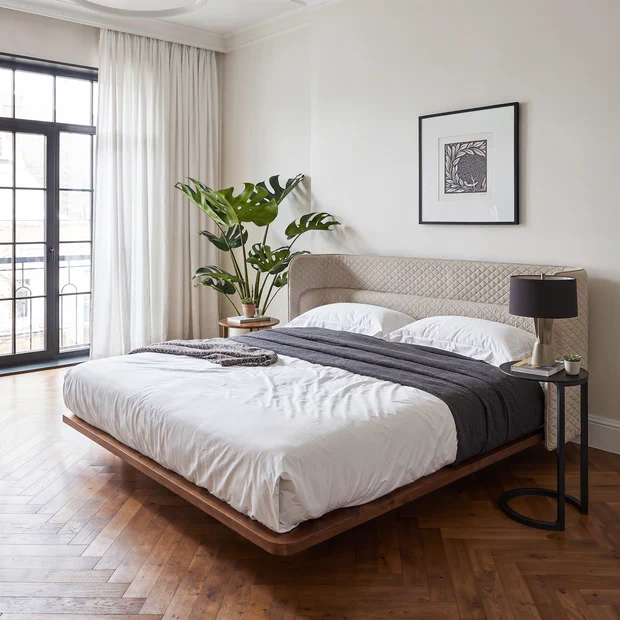
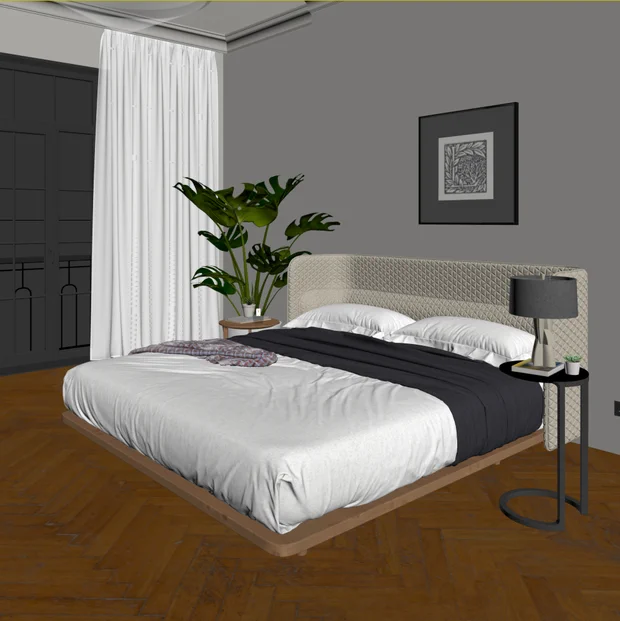 ViewportAI Photo
Add AI to Your Workflow and Boost Your Capacity
You'll learn to use AI not just as a tool, but as a production line. Instead of waiting hours for renders, you'll produce far more visuals in the same time, deliver your projects faster, and grow your work capacity.
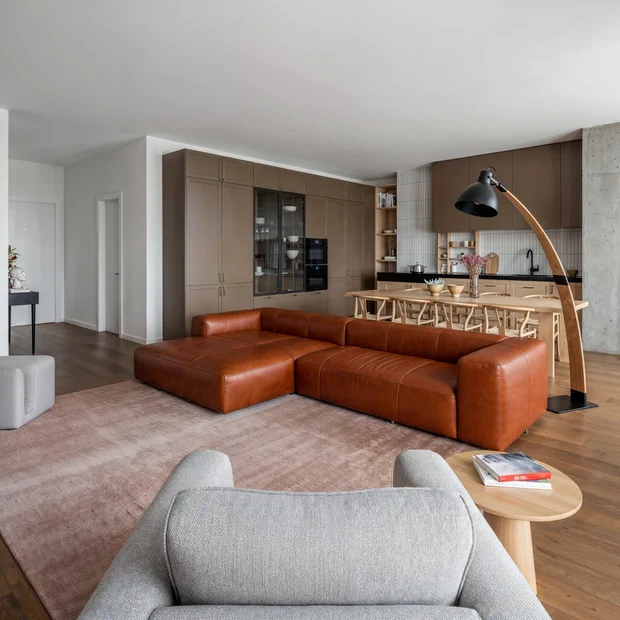
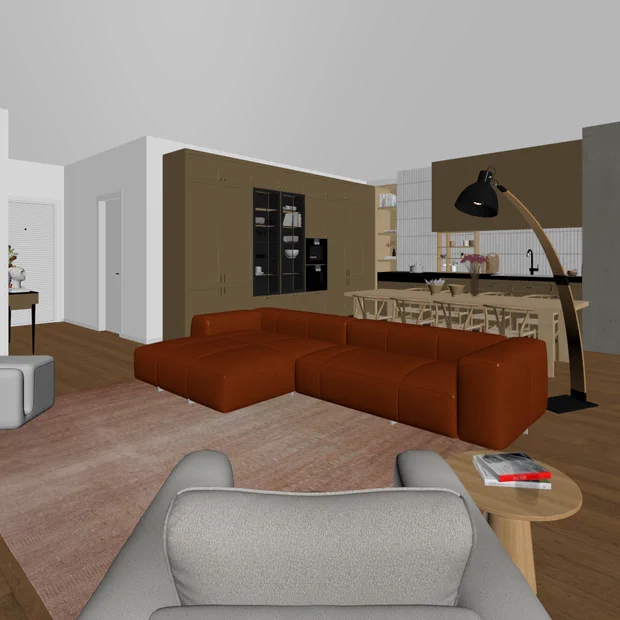 ViewportAI Photo
For anyone who wants render quality with AI
If you can export a viewport from 3ds Max or SketchUp, you're ready. No advanced render-engine knowledge needed.
- Architects, interior designers and 3D artists
- Anyone who wants to cut rendering cost and time
- Anyone producing fast concept and presentation visuals
- Anyone curious what free AI can really do
Minutes, not hours
Produce presentation-ready photos in minutes, without waiting on render engines.
Zero cost if you want
Work for free on your own machine with Qwen; switch to the paid model on a pay-as-you-go basis when you want stronger results.
Photorealistic quality
With the right workflow, get results indistinguishable from real photos that stand out in your presentations and portfolio.
Frequently Asked Questions
Ready to turn your viewport into a photo?
Start for free, switch to the most powerful model whenever you like. The whole workflow is in this course.